Meaningful UX Through Context
case studies
11/02/2025
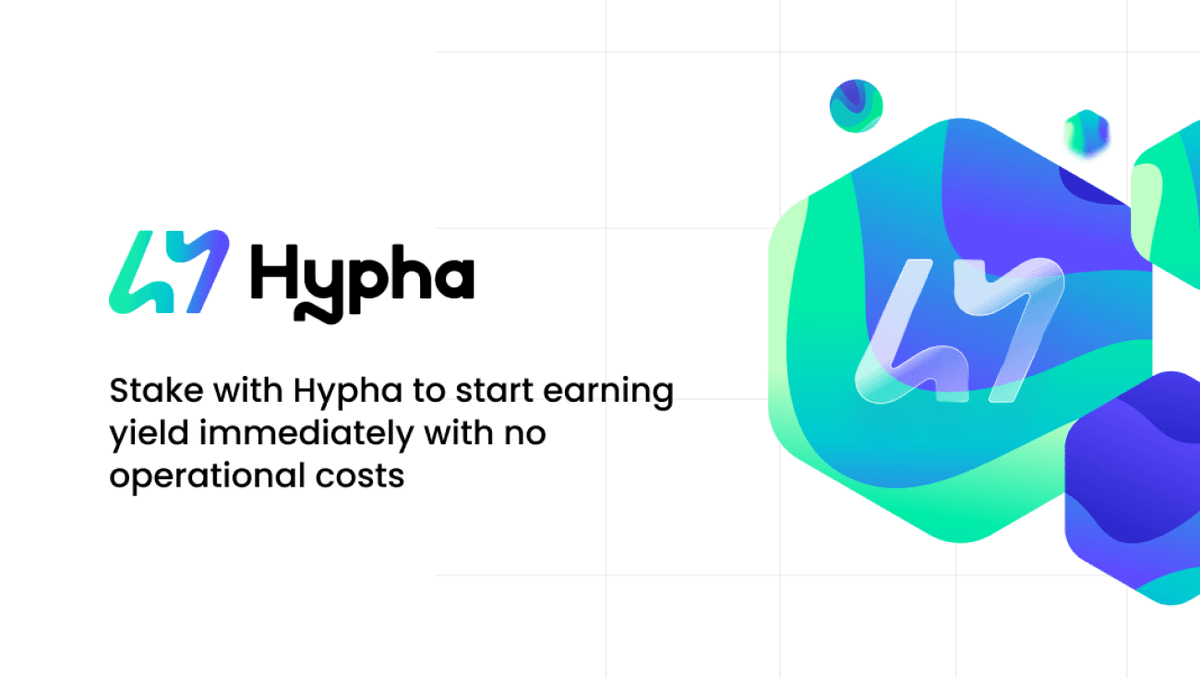
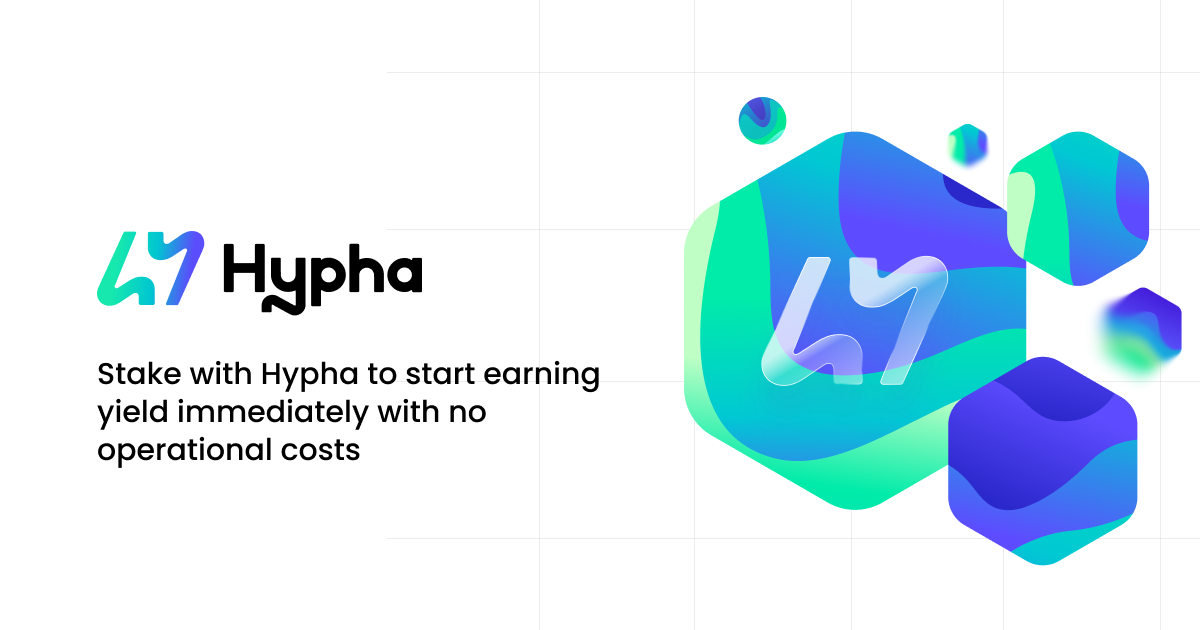
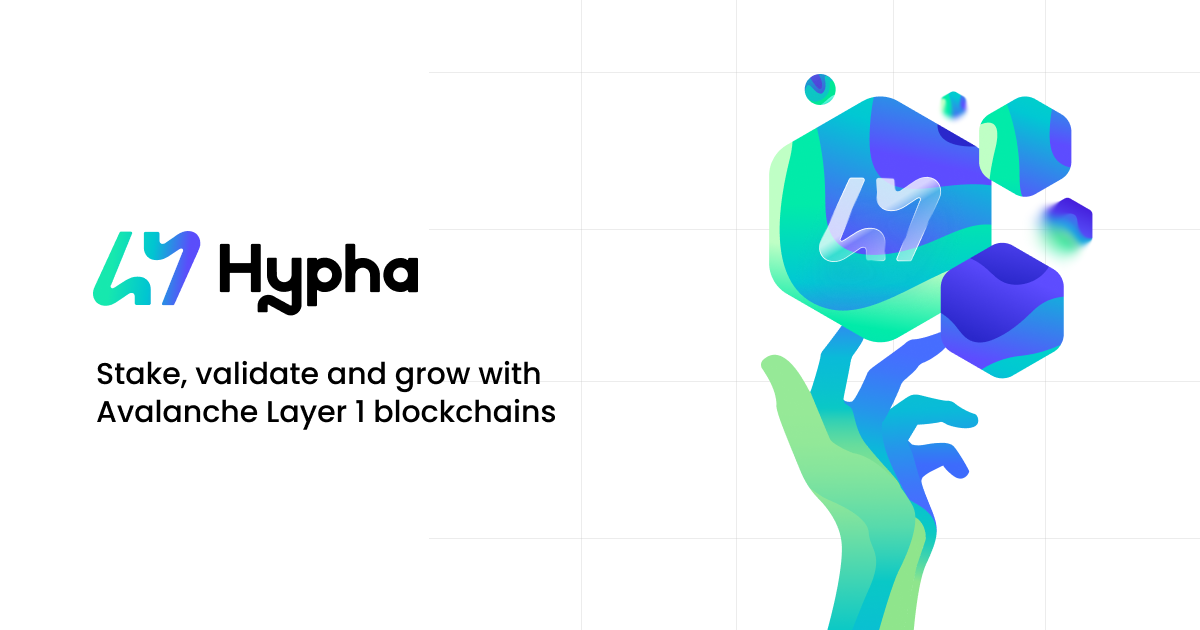
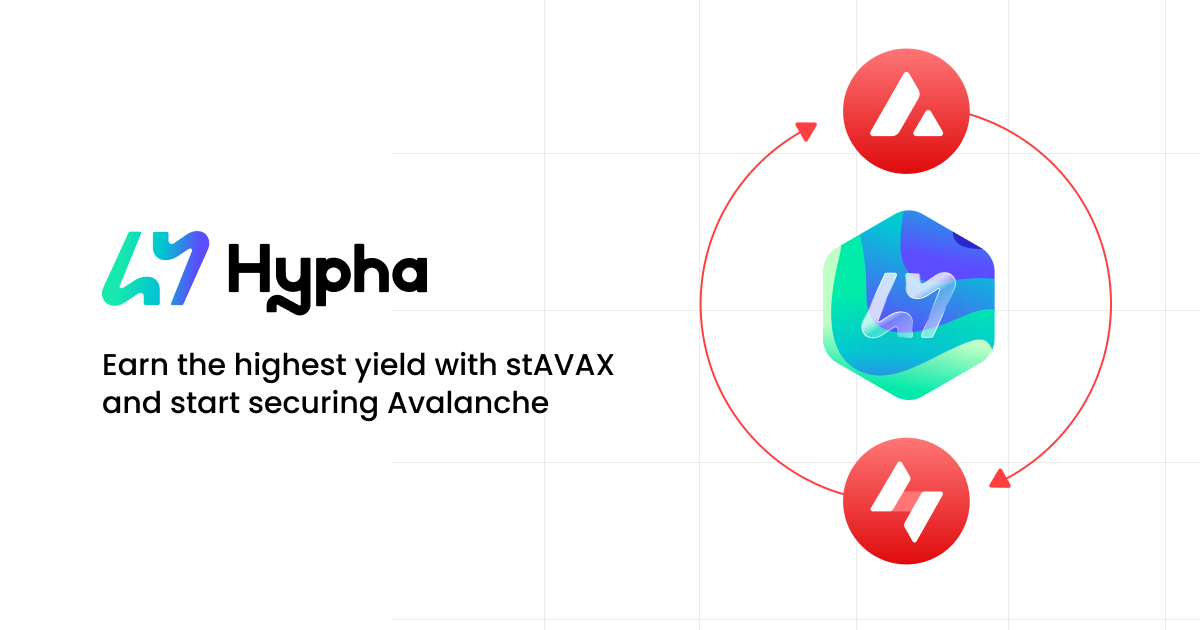
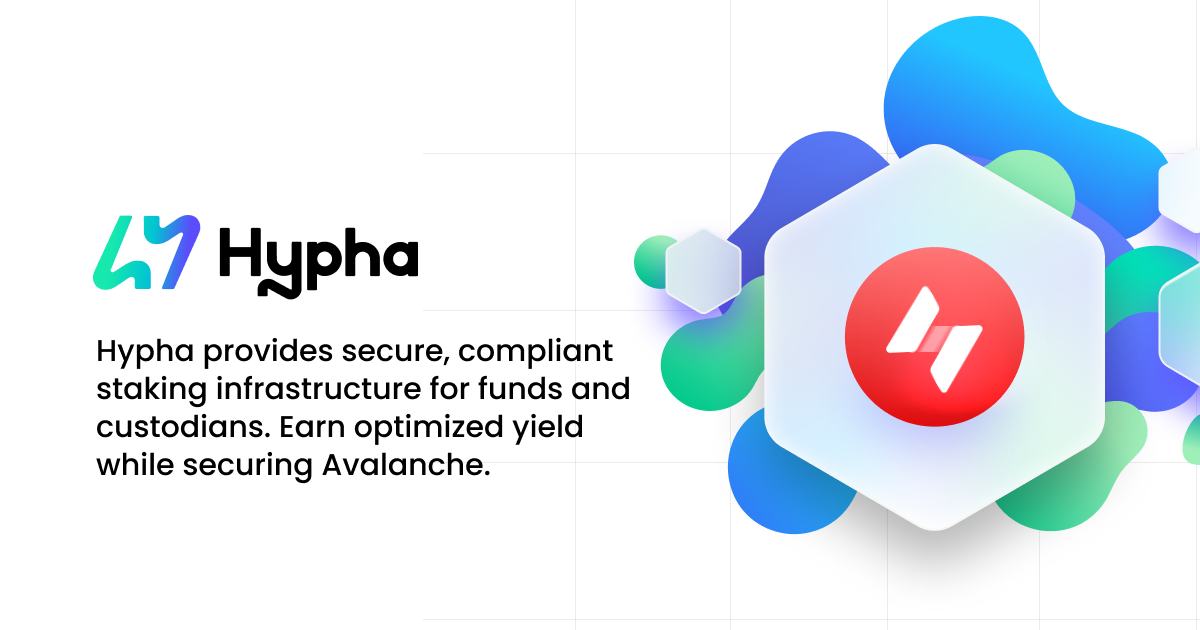
The Problem with Generic OG Images
Most websites use a single Open Graph image across all pages. When someone shares a link on Twitter, LinkedIn, or Facebook, the preview shows the same generic image regardless of which page they're sharing. This creates a disconnect between the shared content and what the recipient actually sees when they click through.
The Solution: Context-Specific OG Images
By creating unique OG images for each page or section, we can provide immediate visual context that matches the content being shared. This creates a more meaningful and cohesive user experience.
UX Benefits
1. Visual Context Before Clicking When someone shares a link to your marketplace page, the preview image should reflect marketplace content, not your homepage. This gives recipients an accurate preview of what they'll find.
2. Improved Recognition Users who have visited your site before will recognize specific pages from their OG images, creating a sense of familiarity and trust.
3. Better Social Media Engagement Context-specific images are more likely to be clicked because they accurately represent the content. Users know what to expect before they visit.
4. Professional Polish Custom OG images for each section demonstrate attention to detail and show that you care about the user experience at every touchpoint.
Implementation Strategy
Home Page The home page OG image should represent your brand's core identity and value proposition. It's often the first impression someone gets of your site.
Feature Pages Each major feature or product page should have its own OG image that visually represents that specific functionality. For example:
- Marketplace pages show marketplace-related visuals
- Staking pages display staking interface elements
- Institutional pages reflect enterprise-focused imagery
Content Pages Blog posts, case studies, and documentation should each have unique OG images that preview the content's topic or key visual.
Design Considerations
When creating page-specific OG images:
- Consistent Branding: Maintain visual consistency while allowing each image to be unique
- Readable at Small Sizes: OG images are often displayed as thumbnails, so ensure text and key visuals are clear at small sizes
- Platform Optimization: Different platforms have different size requirements (1200x630px is a good standard)
- Content Preview: The image should give viewers a sense of what they'll find on that specific page
Technical Implementation
Implementing page-specific OG images typically involves:
- Dynamic Meta Tags: Setting OG image meta tags dynamically based on the current page
- Image Generation: Creating a library of OG images that correspond to different pages or content types
- Fallback Strategy: Having a default OG image for pages that don't have a specific one
Real-World Impact
The difference between generic and page-specific OG images is significant:
- Generic: All shared links look the same, providing no context about the specific content
- Page-Specific: Each shared link previews accurately, building trust and improving click-through rates
Best Practices
- Create OG images for major sections: Home, features, products, key landing pages
- Maintain visual hierarchy: Use consistent typography and layout patterns
- Test across platforms: Verify how images appear on Twitter, LinkedIn, Facebook, Slack, etc.
- Update regularly: Keep OG images current with your brand and content updates
Conclusion
Page-specific OG images are a small detail that makes a big difference in user experience. They transform generic link previews into meaningful, contextual previews that accurately represent your content. This attention to detail demonstrates professionalism and creates a more cohesive experience for users sharing and discovering your content across social platforms.